

Product · Agent Portal
Partner sales without a second CRM
The agent registers a client in the portal, and the manager keeps working in the familiar Bitrix24. Statuses, owners and changes flow back to the portal automatically.
- typical registration period
- 30 days
- typical registration period
- backup sync
- 5 minutes
- backup sync
- Client check the moment a registration is sent: phone numbers and email
- One registration, one deal in Bitrix24
- Bitrix24 stays the single source of truth
- Configurable registration period; the agent sees when it is about to expire
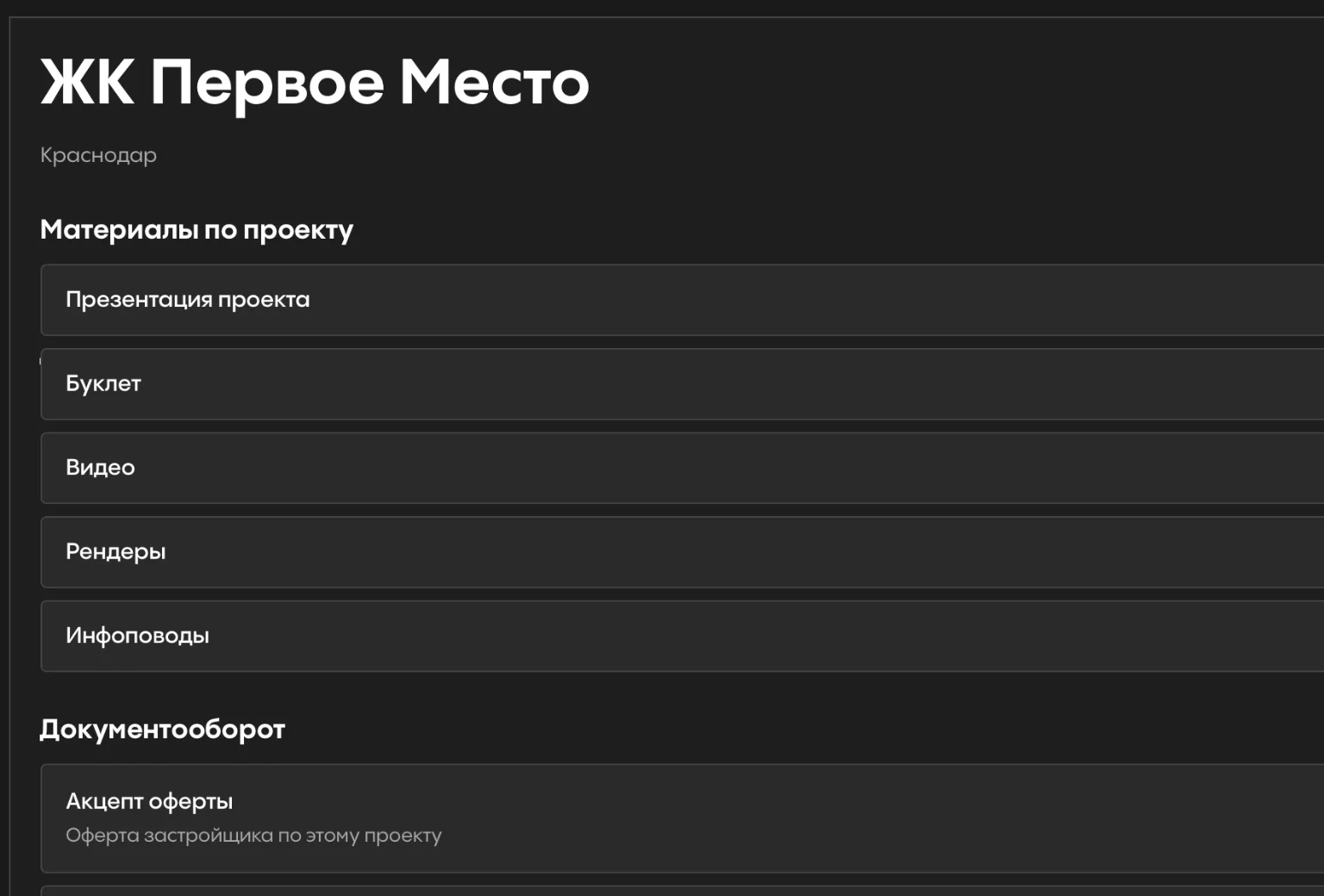
- Project materials, documents and the stacking plan without asking a manager

- Phone
- +7 900 000-00-00
- Extra phone
- +7 900 000-00-01
- client@example.ru
- Project
- Development, Building 1
Checked on submit against Bitrix24 contacts and deals. Choose what it finds:
Key scenario
The check runs when a registration is sent
There is no separate “check client” button. The portal looks the client up by primary and additional phone numbers and email, finds their contacts and deals in Bitrix24 and applies the developer's rules.
Agent
The client's phone, email and project.
Portal
Registration and the developer's rules.
Check
The client's contacts and deals.
Bitrix24
Deal and manager. The status goes back to the agent.
What happens after the check
- 01
Client is available
A working deal is created.
- 02
Client is already with your agency
The agent sees the current owner and context.
- 03
Client is with another agency
A rejected registration is created and stays in the process.
- 04
The sales team owns the client
The context stays in Bitrix24.
The admin can also take leads and recently closed deals into account.
Bitrix24 at the center
A convenient interface for agents, a familiar CRM for the sales team
The portal does not replace Bitrix24. The manager keeps working the deal in the CRM, while stages, owners and changes flow back to the portal automatically.
One registration, one deal
Every registration is linked to its own deal in Bitrix24. Even when the client is taken, the CRM keeps a rejected registration and managers get a message in Bitrix24 chat.
No request gets lost
If Bitrix24 is temporarily unavailable, the portal saves the registration with an error status instead of silently losing it.
Ownership by registration history
Which agent and agency a client belongs to is decided by the portal's own registration database, not only by the owner in the CRM.
Sync
Deal changes arrive almost instantly. A backup sync every 5 minutes and a periodic full reconciliation catch any event that did not get through.
Periods and statuses
The agent sees in advance when a registration is about to expire
The period is set in the admin panel. The agent sees the “Expiring soon” and “Expired” states. Restoring a registration reuses the same deal and rechecks that the client is unique.
- typical registration period
- 30 days
- typical registration period
- backup sync with Bitrix24
- 5 minutes
- backup sync with Bitrix24
- one registration, one deal
- 1 = 1
- one registration, one deal
Everything a partner needs, in one place
Roles, periods, statuses, forms and notifications are configured to match the developer's processes.
- Agencies and accreditation with admin approval
- Deal statuses from Bitrix24
- Project materials and documents
- Stacking plan and calculations
- News from the admin panel
- TOP programs and promotions
- Admin change log
- SMS login
Materials
Agent Portal deck
Flip through it here or download the PDF to share with colleagues.
The deck is in Russian.
01 / 14
See the portal on your own processes
Leave your contact details. “Agency sales” is already selected in the form; add other areas if they interest you too.
- Pilot format
- We review how you work with agencies today and build a prototype for one project
Other departments in the ecosystem
 Online salesAI ManagerA digital sales manager on your website and in messengers, 24/7
 Sales officeSales WorkspaceCatalog, stacking plan, calculators and offers for the sales team
 Sales analyticsSIGNALAI quality control for sales team calls
 Marketing and listingsDOMIXListings from 1C on Avito, CIAN, Domclick, Yandex Real Estate and DOM.RF
 Project documentationDocument CheckChecks Excel, DWG and PDF before they reach corporate systems
 Parking managementParking RentalA digital map of parking spaces with live statuses